AI Patio Design
Compare brick, concrete, and natural stone on a photo of your patio. For a bigger patio or deck makeover, explore ideas for seating, shade, and planting.
1. Upload a photo of your yard
Outdoor spaces only, no photos of people. Acceptable use
2. What are we designing?
Your redesigned yard will appear here.
Compare brick, concrete, and natural stone
Three AI illustrations show how the same patio looks with different surfaces.
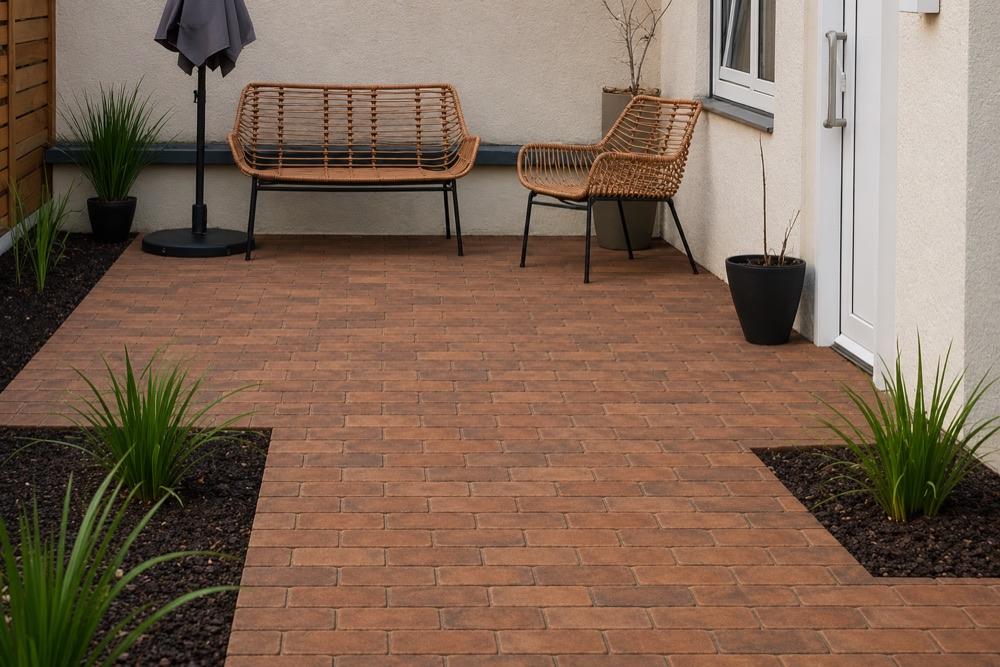
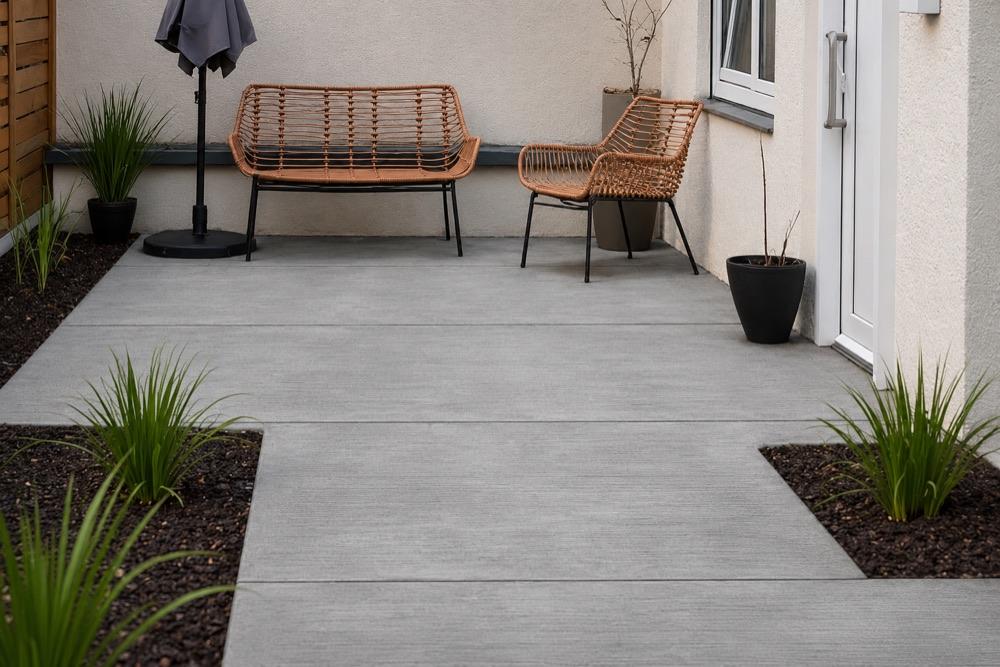
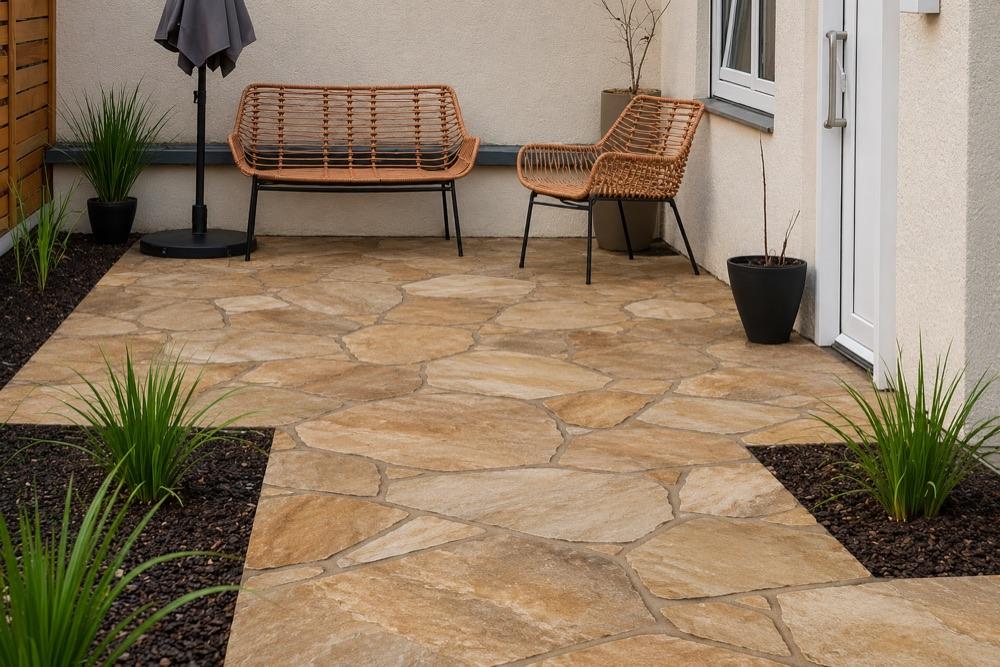
Patio & deck before & after examples
Same house, same angle. Only the landscaping changes.
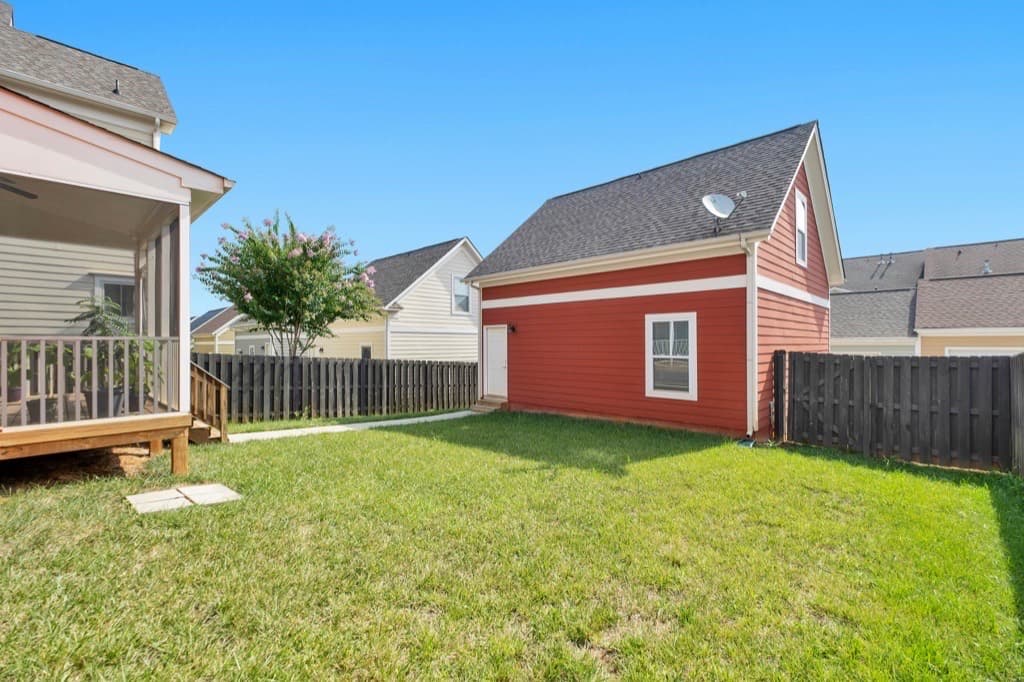 Before
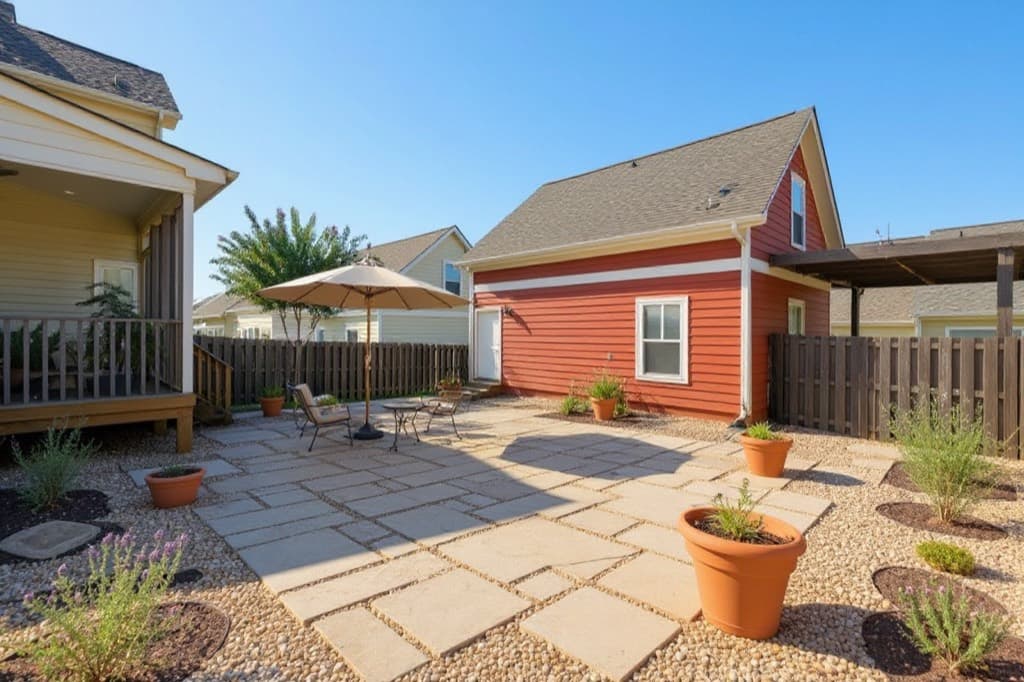 After
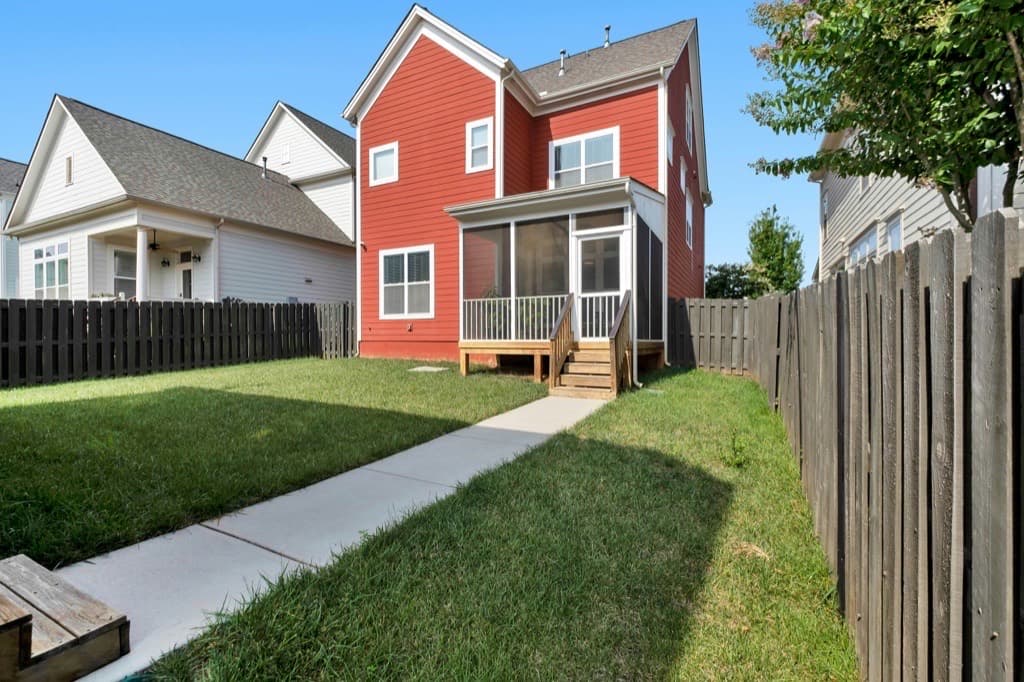 Before
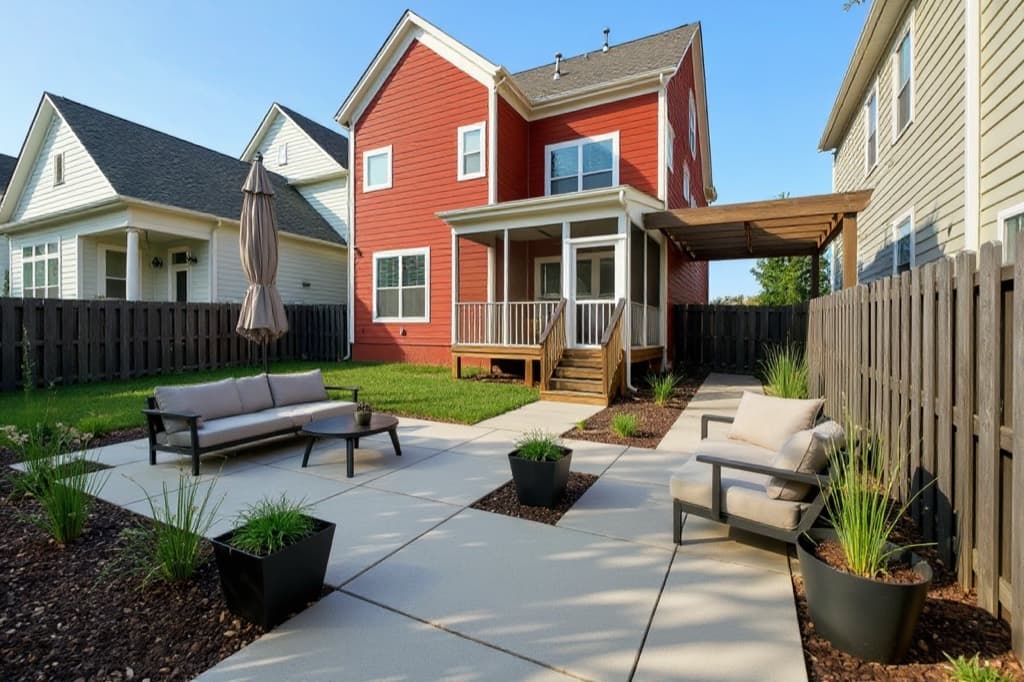 After
Patio design ideas for an outdoor room you'll use
A patio works best when it feels like an extra room: somewhere to eat, talk or relax that's easy to reach from the house. Seeing furniture, paving and planting on your own photo makes it much easier to choose a layout.
Size the patio for its furniture
Decide first whether the patio is for dining, lounging or both, then leave room to walk around the furniture. A dining table for six needs noticeably more space than a pair of lounge chairs, and a patio that's too small quickly feels cramped.
Choose a surface that matches the house
Large-format concrete pavers suit modern homes, natural stone and terracotta tones feel Mediterranean, and brick or flagstone fits traditional houses. Gravel is a budget-friendly option around the edges and drains well.
Add shade and a focal point
A freestanding umbrella, a pergola or a shade tree makes a patio usable on sunny afternoons. A fire pit, outdoor rug or a group of large planters gives the space a center so it doesn't feel like an empty slab.
Soften the edges with planting
Planting beds, large pots and climbing plants along the fence frame the patio and make it feel private. Low grasses and herbs near seating add texture and scent without blocking the view.
Plan lighting for evenings
String lights, low path lights and a few lanterns let you keep using the patio after dark. Warm, low lighting feels more inviting than one bright floodlight on the wall.
How to take a photo that works well
- Photograph the area where you want the patio from where you'd walk out of the house.
- Include the back wall of the house and the fence so the AI keeps them in place.
- Shoot in daylight, holding the phone horizontally.
How it works
Step 1
Snap a photo
Take a daylight photo of your front yard, backyard or patio from a natural viewpoint.
Step 2
Pick a style
Choose what you're designing and a style like modern, cottage, zen or desert.
Step 3
Compare ideas
Get a realistic redesign in seconds and view it side by side with your original photo.
Explore AI designs for every space
Frequently asked questions
Can it add a fire pit or pergola?
Yes. Patio designs usually include seating, shade and features like fire pits. Generate a few times to see different layouts.
Will the AI build a pergola onto my house?
No. Patio designs place umbrellas and pergolas as freestanding features and are instructed not to build onto the house, porch or other buildings. AI results can still vary, so generate again if something looks off.
Can it redesign an existing concrete slab?
Yes. Upload a photo of your current patio and the AI can suggest new paving, furniture, planting and shade around it.
Can I compare patio materials on the same photo?
Yes. Upload one photo and generate Brick, Concrete, and Natural stone previews one at a time. Your previews stay together until you replace the photo. Each preview uses one design credit.
Does it work for decks too?
Yes. The patio designer can also suggest deck-style seating areas. Try a few styles to compare paving and decking looks.