AI Landscape Design from a Photo
Upload a yard photo and get realistic AI landscape designs in seconds. An online landscape design app for your phone or computer, free to try with 3 designs.
1. Upload a photo of your yard
Outdoor spaces only, no photos of people. Acceptable use
2. What are we designing?
3. Pick a style
Your redesigned yard will appear here.
Real before & after results
Same house, same angle. Only the landscaping changes.
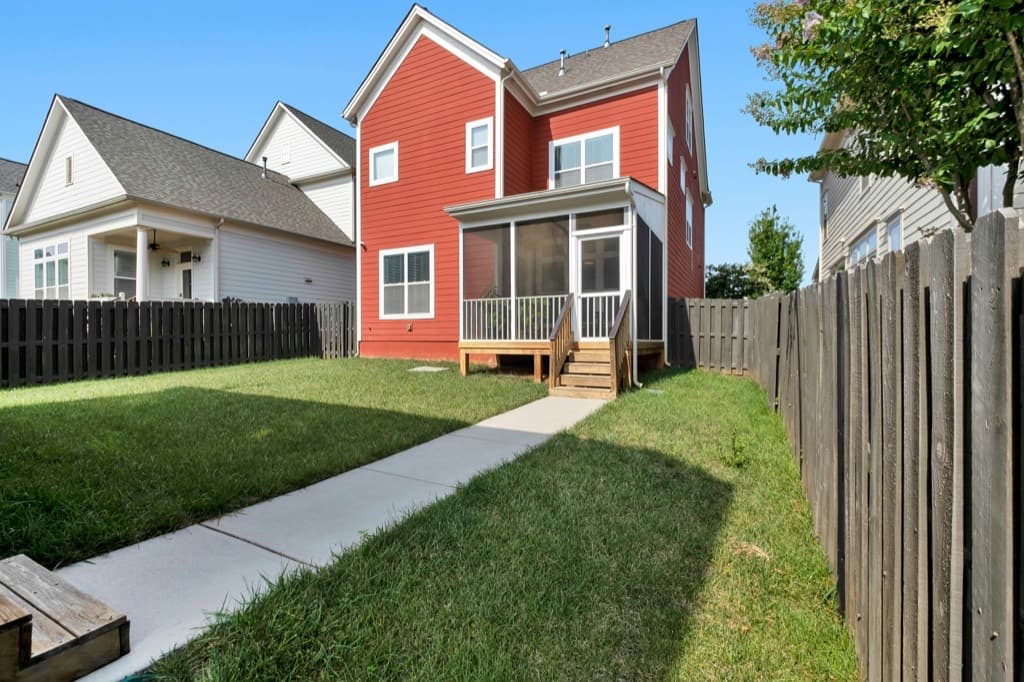
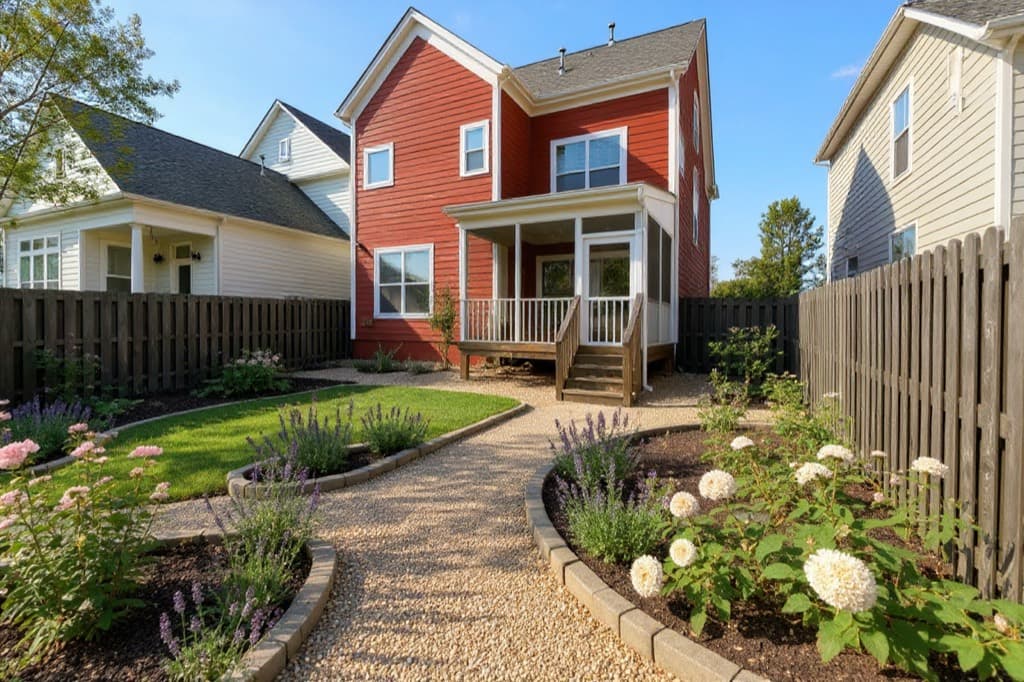
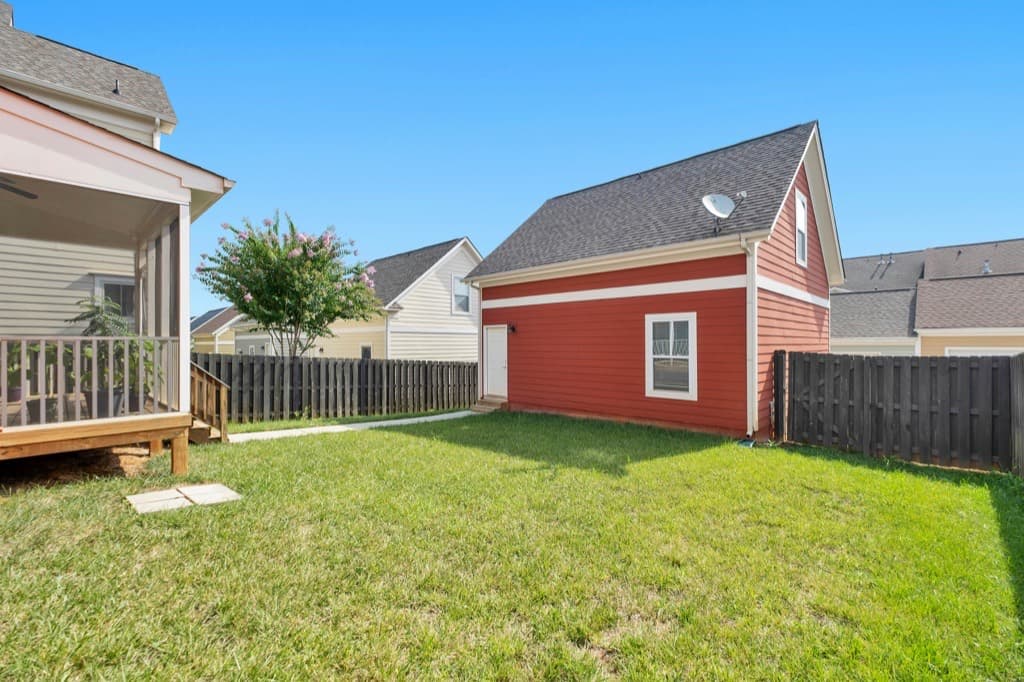
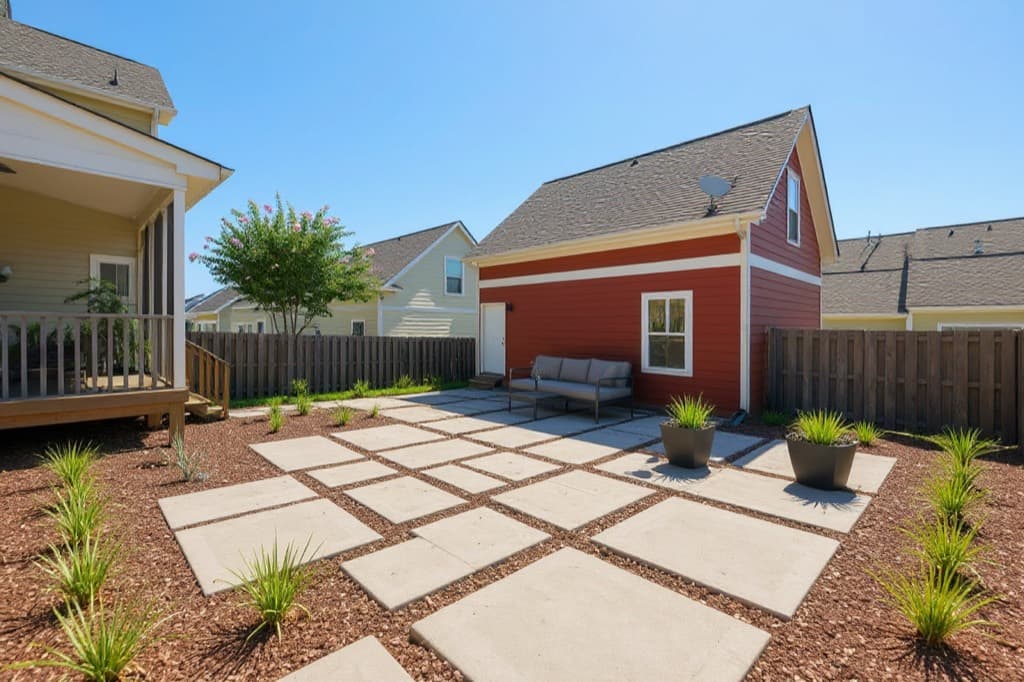
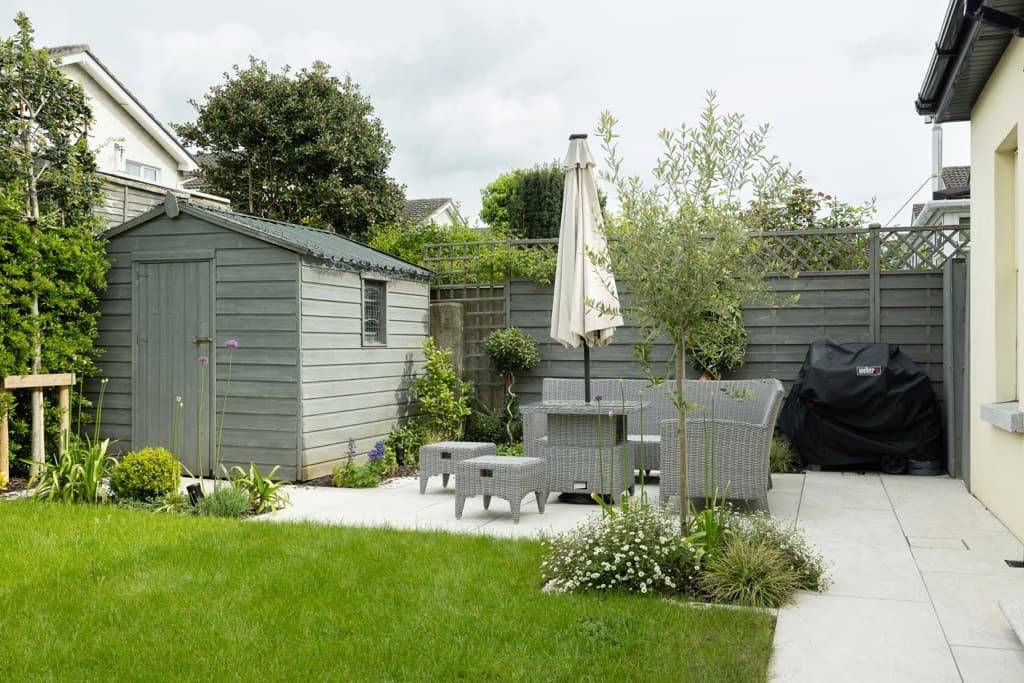
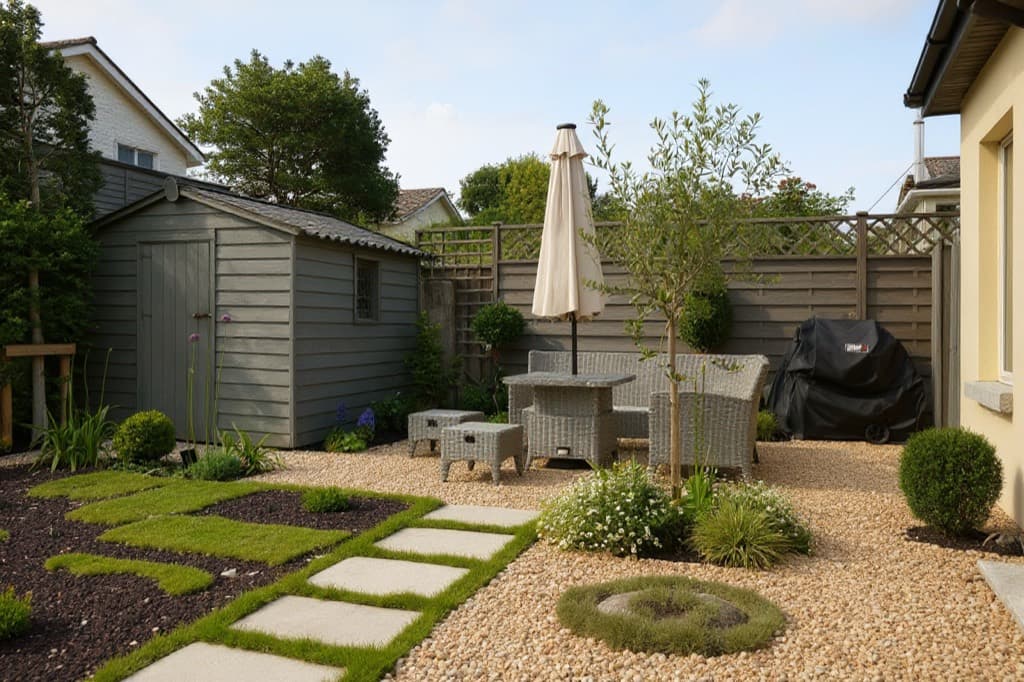
Popular yard ideas
Browse styles with before-and-after examples, then try one on your own yard.
How it works
Step 1
Snap a photo
Take a daylight photo of your front yard, backyard or patio from a natural viewpoint.
Step 2
Pick a style
Choose what you're designing and a style like modern, cottage, zen or desert.
Step 3
Compare ideas
Get a realistic redesign in seconds and view it side by side with your original photo.
Explore AI designs for every space
Frequently asked questions
How does AI landscape design work?
Upload a photo of your yard, choose the space and a style, and the AI redesigns the landscaping while keeping your house and layout the same.
Will the AI change my house?
No. The AI is instructed to keep the house, windows, roof, fences and driveway as they are and only change plants, ground surfaces and outdoor furniture.
What kind of photo should I upload?
A clear daylight photo taken from a natural standing viewpoint works best. Include the whole area you want redesigned.
Is there a free landscape design app?
YardMakeover AI is free to try: new accounts get 3 free designs with no credit card. After that, one-time credit packs start at $9.90 for 20 designs. There's no subscription.
Do I need to download landscape design software?
No. It's an online landscape design tool that runs in your browser on a phone, tablet or computer. There's nothing to install and no CAD or drawing skills needed.
How is this different from traditional landscape design software?
Traditional landscape design software has you draw your yard and place plants by hand. Here you upload a photo and the AI redesigns it, so you see ideas on your own house in seconds. For exact measurements and construction drawings, you still need a designer or CAD program.
Can I use the designs to build my yard?
The designs are visual concepts to help you choose a direction and talk to a landscaper. They are not construction plans.