AI Backyard Design
Turn a plain backyard into an outdoor living space. Upload a photo and this AI backyard design tool shows layouts, plantings and patios in different styles.
1. Upload a photo of your yard
Outdoor spaces only, no photos of people. Acceptable use
2. What are we designing?
Your redesigned yard will appear here.
Backyard before & after examples
Same house, same angle. Only the landscaping changes.
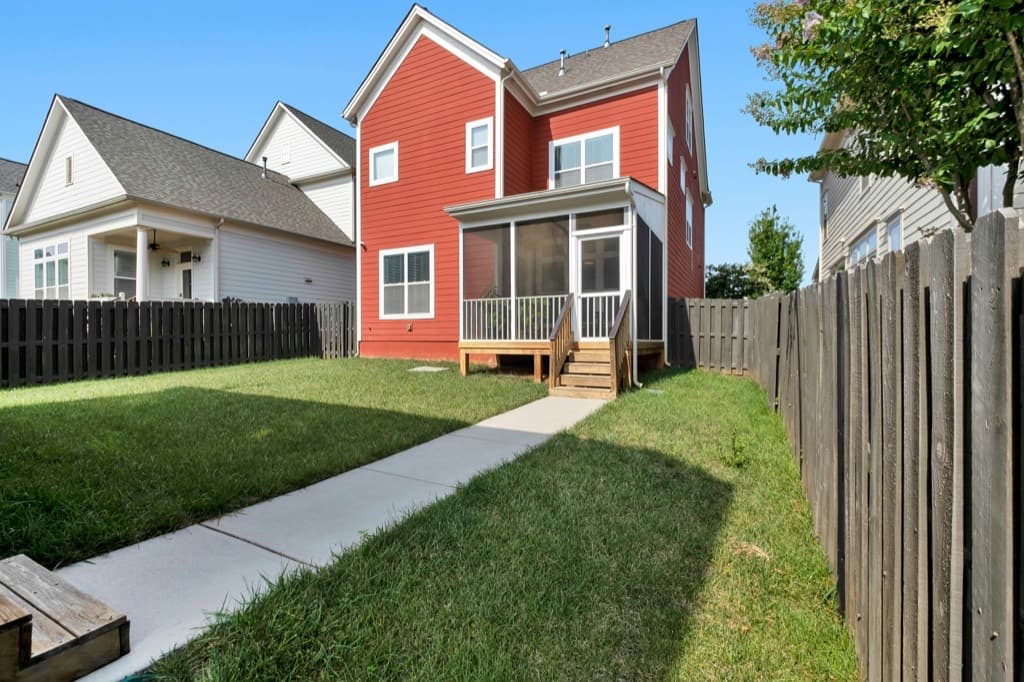 Before
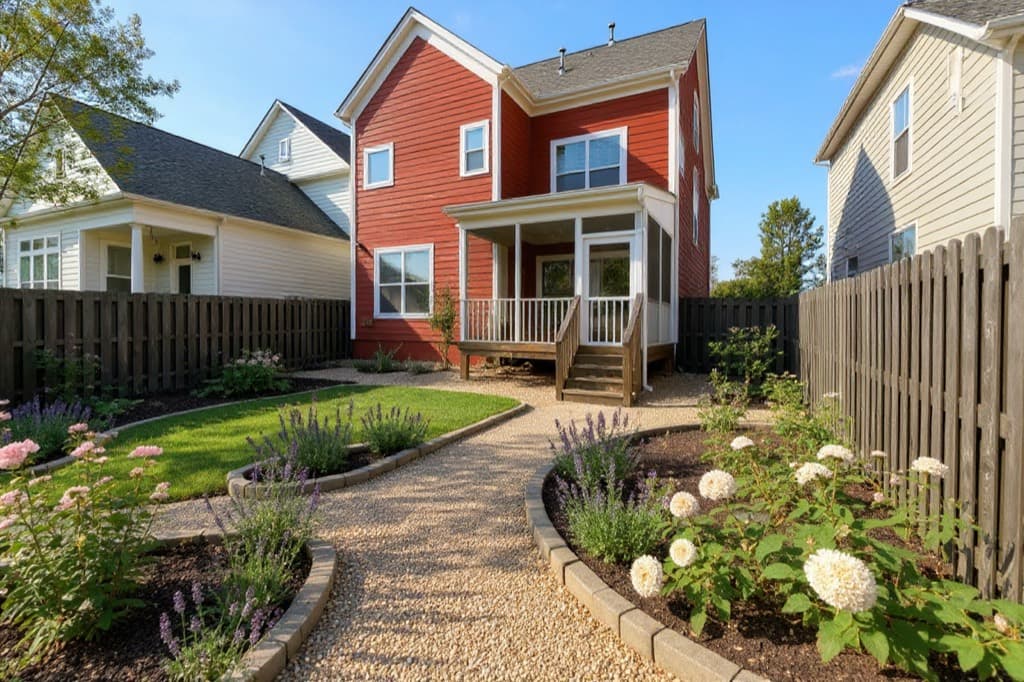 After
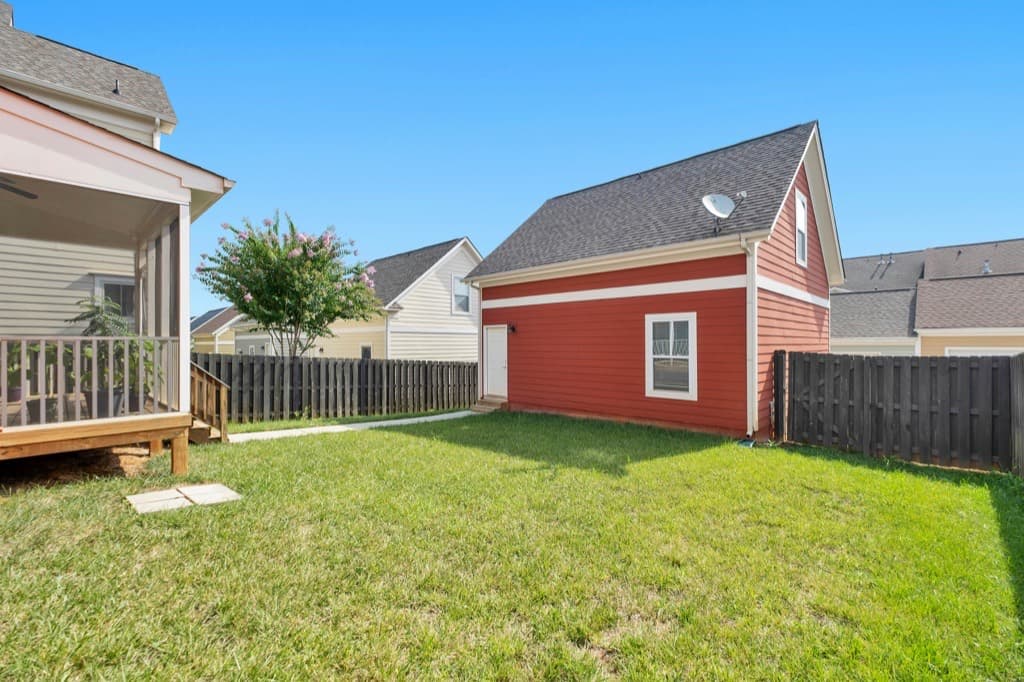 Before
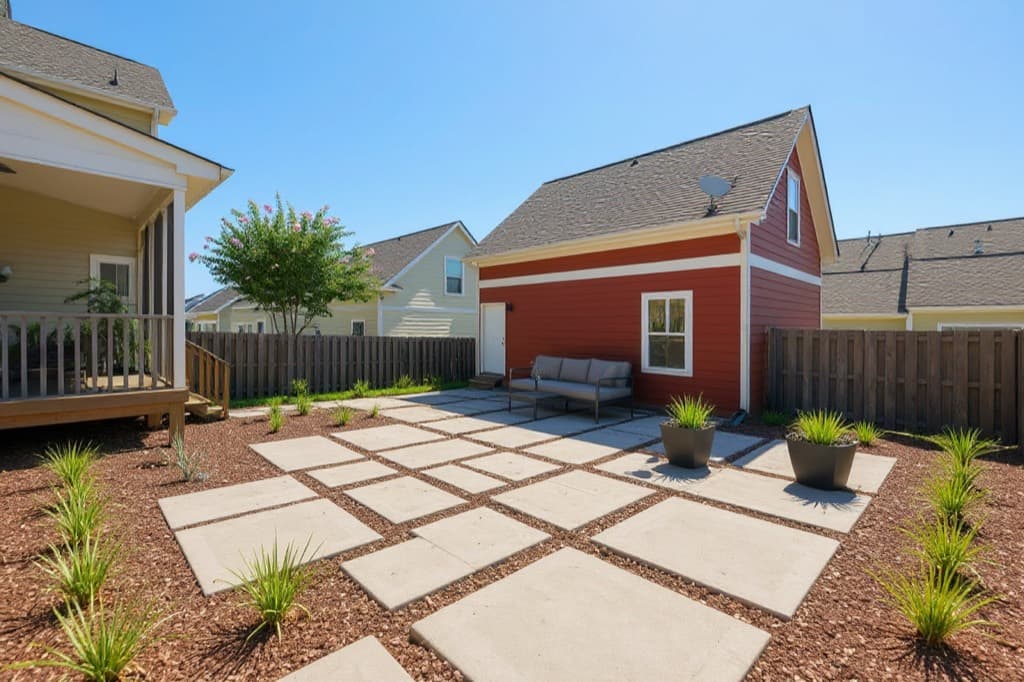 After
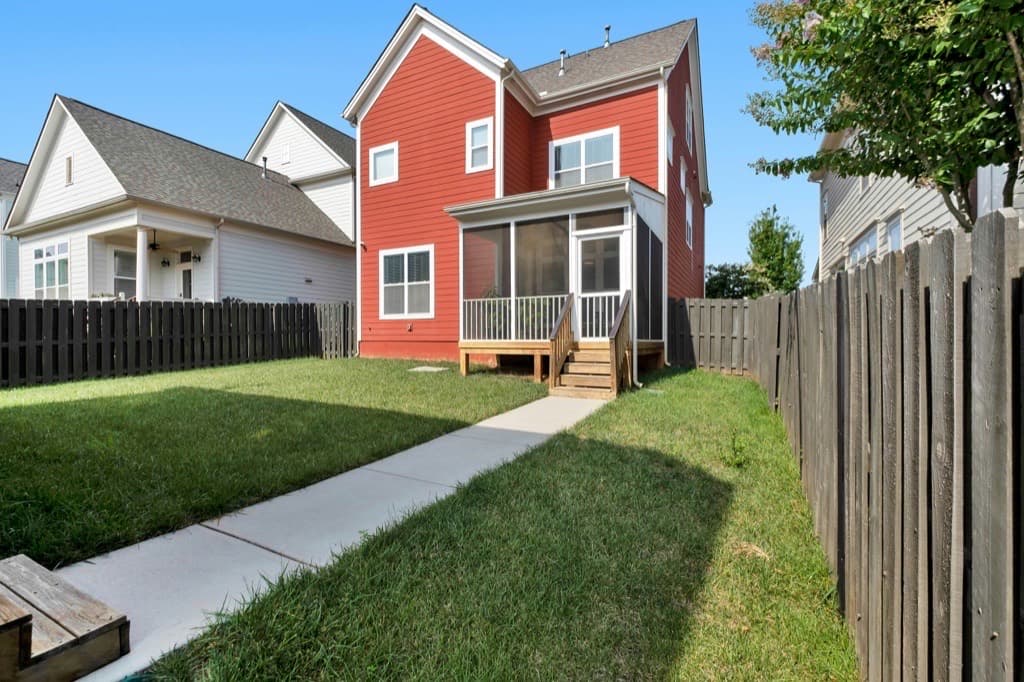 Before
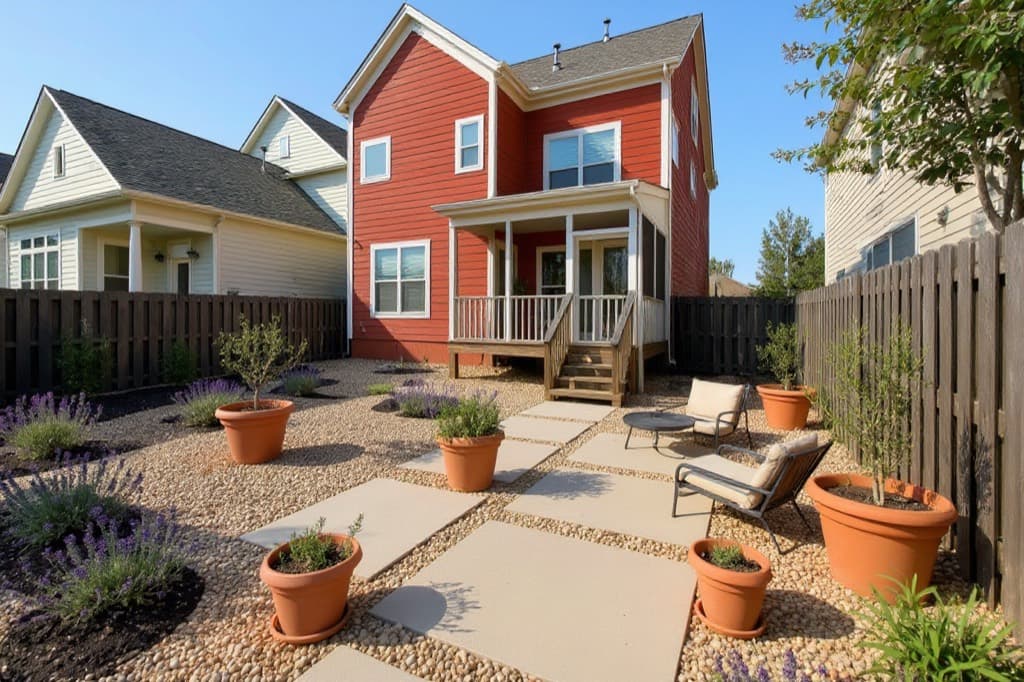 After
Backyard design ideas for the way you actually live
A good backyard starts with how you want to use it: dinners outside, a quiet place to read, room for kids and dogs, or a garden to tend. Trying a few layouts on a photo of your own yard is the fastest way to see what fits.
Plan the space in zones
Split the yard into areas with a job each: a dining or grilling spot close to the house, a lounge area with comfortable seating, open lawn for play, and planting beds around the edges. Paths or changes in paving help each zone feel intentional instead of scattered.
Balance hard and soft surfaces
Patios, decks and gravel (hardscape) give you usable space that stays dry and needs little care. Lawn and planting (softscape) keep the yard green, cool and inviting. Most comfortable backyards mix both: a paved area for furniture, framed by beds and a smaller lawn.
Add privacy and shade
Tall planting along the fence, a row of evergreen shrubs, a pergola or a large shade tree make a backyard feel like an outdoor room. They also block views from neighbors and make the space usable on hot afternoons.
Keep maintenance realistic
If you don't want to spend weekends gardening, choose a design with fewer beds, mulch or gravel instead of bare soil, and tough perennials or shrubs. Desert xeriscape and Modern styles tend to be lower maintenance than a lush cottage garden.
Try more than one style
The same yard can look completely different as a modern patio, an English cottage garden or a Mediterranean courtyard. Generate a few versions and compare them side by side before you commit to a direction.
How to take a photo that works well
- Stand at the back door or a corner of the yard so most of the space is in view.
- Include the fence line and the back of the house so the AI keeps them in place.
- Take the photo in daylight, holding the phone horizontally.
- Clear away toys, hoses and tools if you can; the AI works better on a tidy photo.
Backyard ideas by style
How it works
Step 1
Snap a photo
Take a daylight photo of your front yard, backyard or patio from a natural viewpoint.
Step 2
Pick a style
Choose what you're designing and a style like modern, cottage, zen or desert.
Step 3
Compare ideas
Get a realistic redesign in seconds and view it side by side with your original photo.
Explore AI designs for every space
Frequently asked questions
Do I need to download a backyard design app?
No. It works online in your browser on a phone or computer. Upload a photo, pick a style and see your backyard redesigned in seconds.
Can I try more than one style?
Yes. Pick a different style and generate again to compare ideas side by side.
Is this a construction plan?
No. The results are visual concept ideas to help you decide on a direction. Check dimensions, drainage and local rules with a professional before building.
Can the AI add a patio or seating area?
Yes. Backyard designs usually include a paved or decked seating area. Generate again or pick another style to see different layouts.
Will it keep my fence and shed?
Yes. The AI is instructed to keep buildings, fences and structures attached to the house and only change the landscaping and outdoor furniture.
Does it work for small backyards?
Yes. For tight spaces, also try our small backyard designer, which favors vertical planting and compact seating.